NOUVETTE / AI VIDEO CREATOR

Turn ideas into cinematic stories.

Create polished videos from a script with AI-assisted scenes, narration and visual direction — then refine every detail in your editor.

A focused video workflow, built for creators.
CREATE FASTER

From script to finished first cut.

Nouvette turns your narration into scenes, finds matching visuals, creates voiceover and assembles everything into an editable video project.

Nouvette Editor
Scene 06 · Visual matched to narration
SCENE 06Cinematic city at blue hourWarm documentary6.4 sec
01

Paste your script.
Nouvette builds the scenes.

The narration is broken into visual beats, each with a clear subject, mood and timing. You start with a plan instead of an empty timeline.

Create a video →
SCRIPT

A city wakes before sunrise. The streets are almost empty, but the first trains are already moving.

01Pre-dawn skylineEstablishing scene
02Empty streetQuiet visual beat
03First trainNarration emphasis
04Morning movementPace transition
VISUAL MATCHNature detail / cinematicMatched to scene meaning
02

Visuals chosen for the story, not just the keywords.

Nouvette looks at what each scene is actually saying, then selects footage that supports the narration and keeps the visual rhythm consistent.

See the workflow →
03

Choose a voice
that fits the story.

Preview natural English voices before you create. Switch between female and male voices instantly, then keep full control of media, text and timing in the editor.

Explore all voices →
AI VOICESPreview English voices
6 featured voices
Select a voice to preview
MEDIAReplace scene
TEXTEdit narration
TIMINGAdjust duration
START CREATING

Make the first cut in minutes.
Make the final cut yours.

Start with a script and move straight into an editable Nouvette project.

CREATE YOUR FIRST VIDEO →

See what you can create with Nouvette

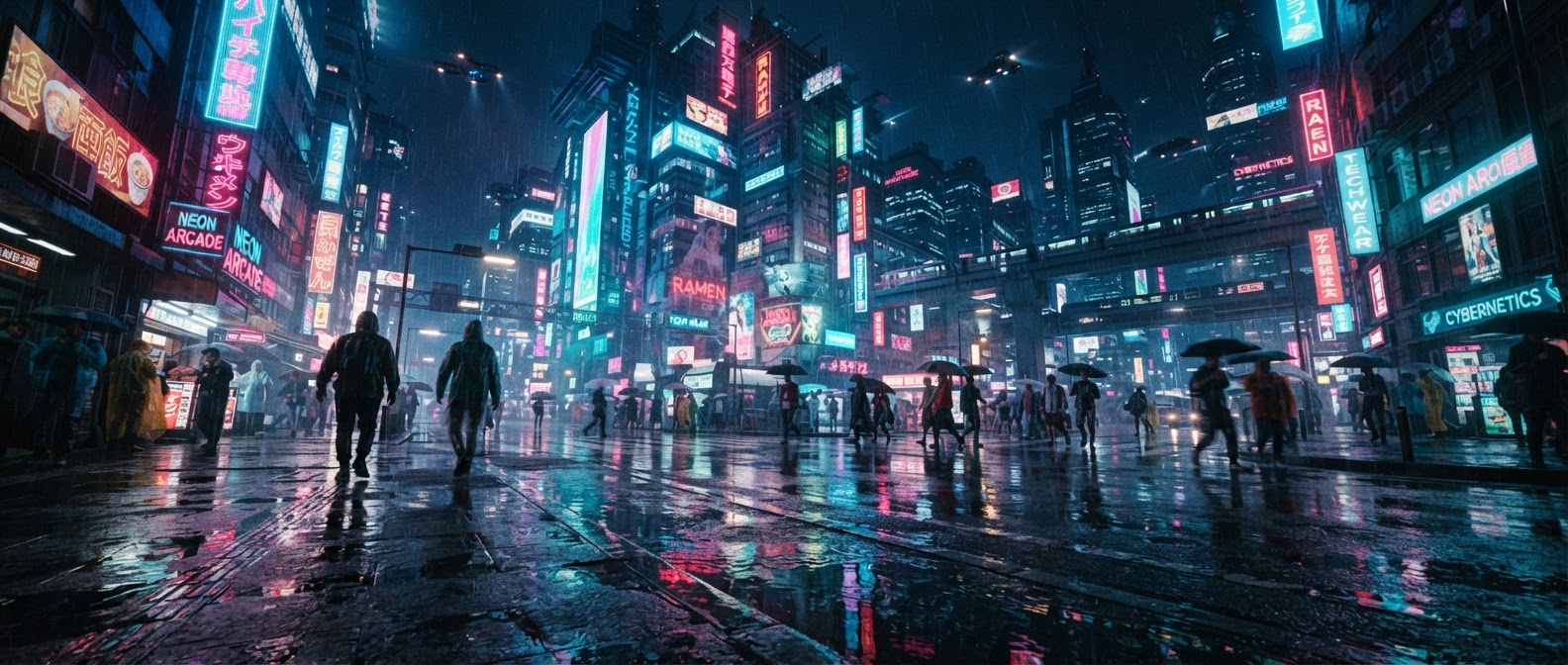
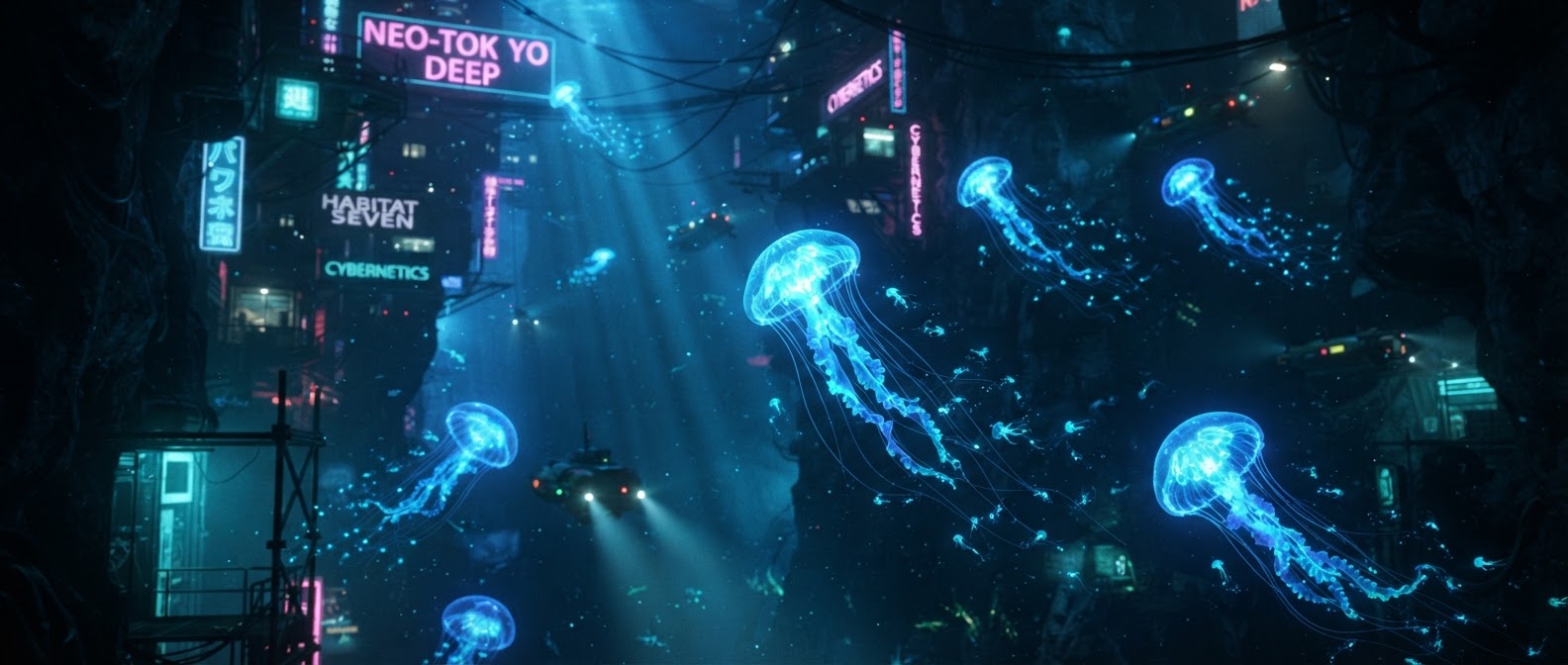
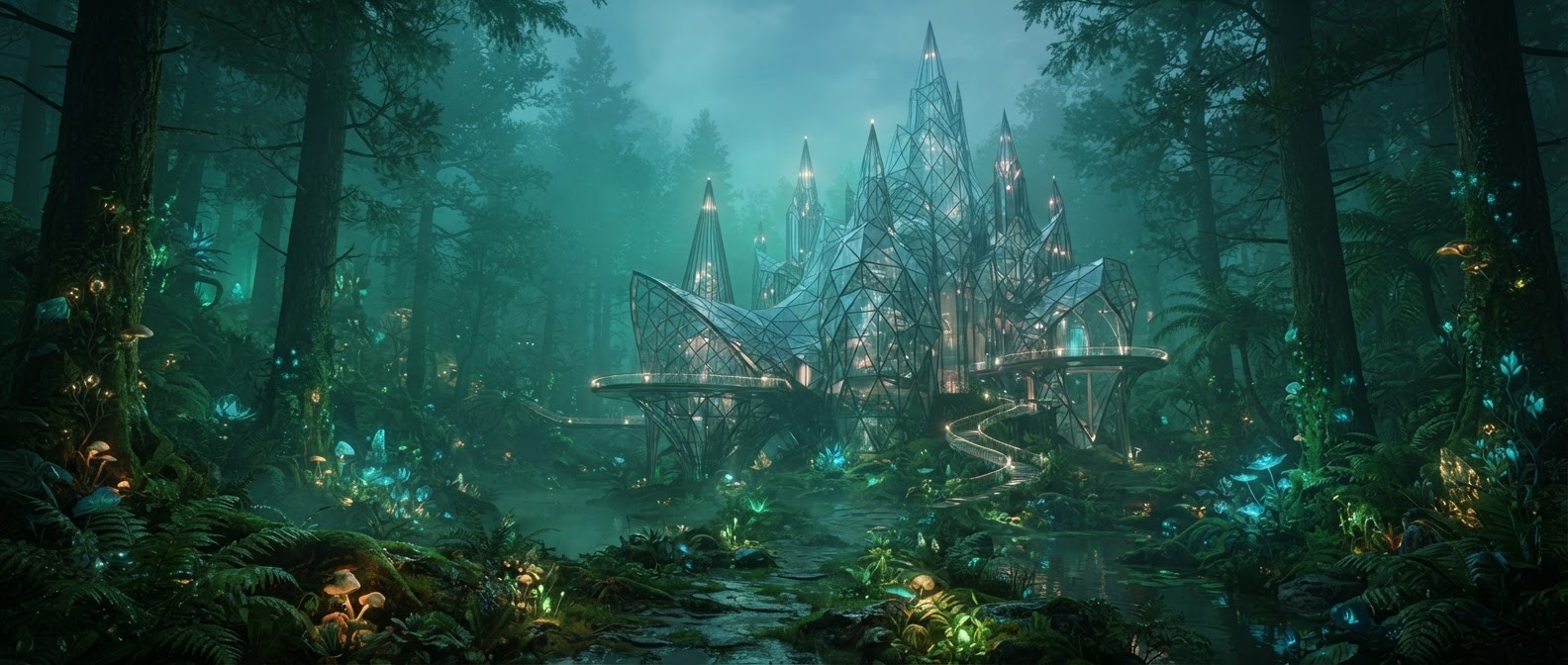
Different stories need different visual rhythms. These are 4K source examples, not generated outputs.

AllDocumentaryEducationStorytellingMarketing
Cinematic city story4K source footage
Travel & documentary4K source footage
Nature & storytellingDCI 4K source footage
54AI voices available
4Visual source libraries
1080pCurrent render output

Everything you need to turn text into video

A focused workflow from script to editable first cut.

Script to scenes

Your content, now in video form.

Nouvette analyzes the narration, breaks it into scenes and builds a visual plan instead of forcing you to start from an empty timeline.

Nouvette Editor
Scene 08 · Visual matched to narration
Voice + editor

AI gets you started. You stay in control.

Choose from the voice library, generate the first cut, then replace media, change timing and refine the project inside the editor.

Built for how you create video

CreatorsEducationMarketingTeams

Create YouTube videos without building every scene by hand.

Paste the script, select a voice and let Nouvette assemble the first cut. Spend your time improving the story and the final edit instead of searching for every clip manually.

CREATE A FIRST CUT →

Explore everything Nouvette can do

One product, one workflow, fewer disconnected tools.

Text to videoAI voiceoverScene planningVisual searchVideo editorScript to speech
NouvetteAI VideoVoicesScenesMediaEditor
Scene 12 — Nouvette keeps the narration, media and timing together so the first cut is immediately editable.
Project settings

Create your video

The presentation stays simple. The actual production controls live here when you are ready to make something.

NEW VIDEOUntitled projectREADY

Frequently asked questions

What does Nouvette generate?

Nouvette turns a script into a narrated first-cut video using automatic scene planning, visual search and rendering.

Can I edit the generated video?

Yes. Completed projects open in Nouvette Editor where you can change media, scene text and timing before downloading the final video.

Can I create only a voiceover?

Yes. Script to Speech generates a standalone MP3 and skips the video-rendering pipeline.

Does Nouvette support 4K output?

The current generator outputs up to 1080p. The 4K footage shown on this page is showcase source media, not a claim of 4K rendering.